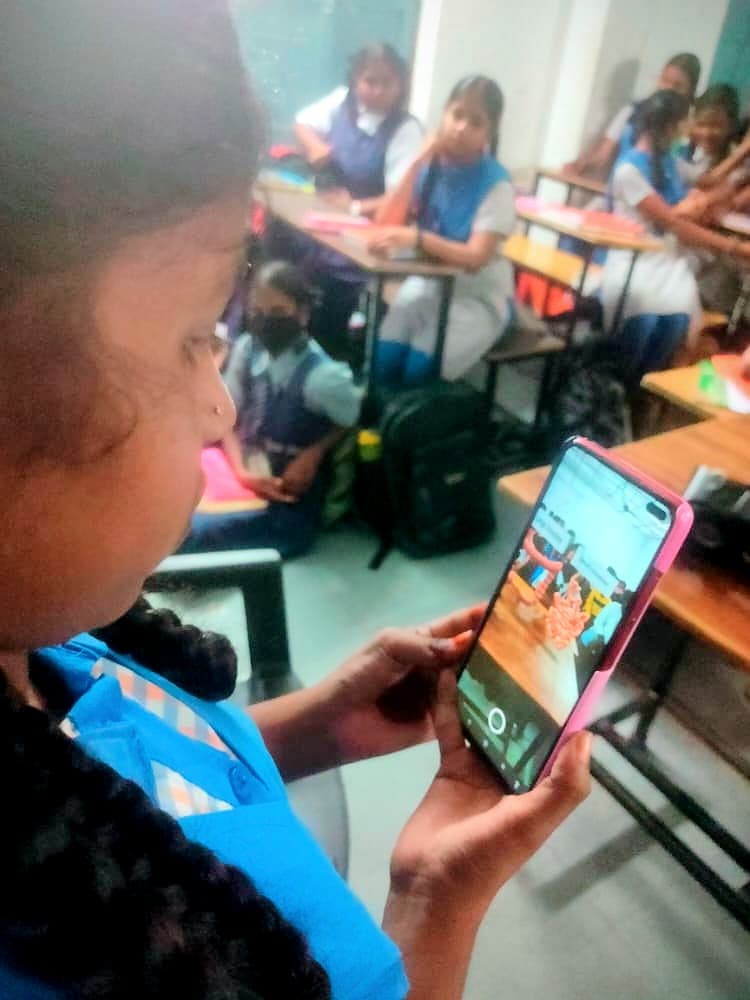
What are AR QR codes?
AR QR codes are a simple way to open augmented reality. There is no heavy app to install. You scan a code with your phone, and the 3D content opens from the web.
Why QR codes?
QR codes are already familiar, so the classroom does not need a new behavior. A student points their phone, scans the code, and the lesson opens. Less setup means more time exploring the idea.
Why we brought AR into the classroom
Students do not only learn by reading about a concept. They learn by seeing it, moving around it, and trying to understand it from different angles. But hands-on lessons can be hard to run, and some topics are difficult to show in a normal classroom.
So we built those concepts in 3D, turned them into AR, and placed them behind simple QR codes. A student can see the idea in front of them instead of only picturing it from a textbook.
How it works in class
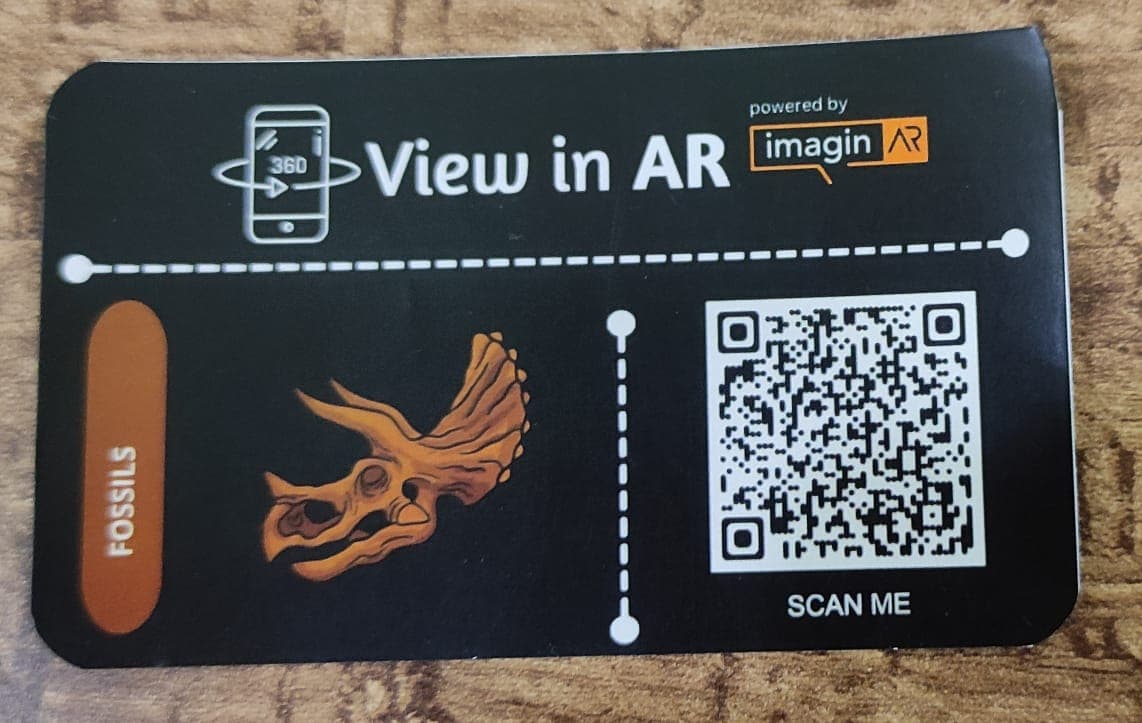
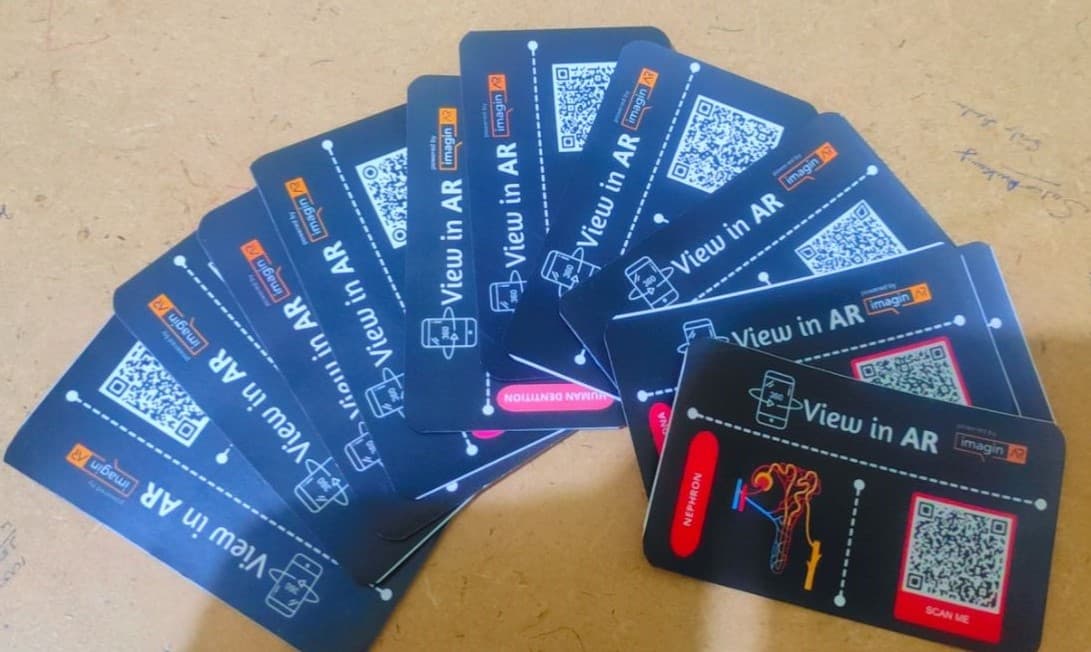
We made a set of 3D biology concepts and gave each one its own QR code. Then we printed them as small stickers, each with the concept name, a picture, and its AR code. Students paste them into their books and scan whenever they want a closer look.
Where we tried it
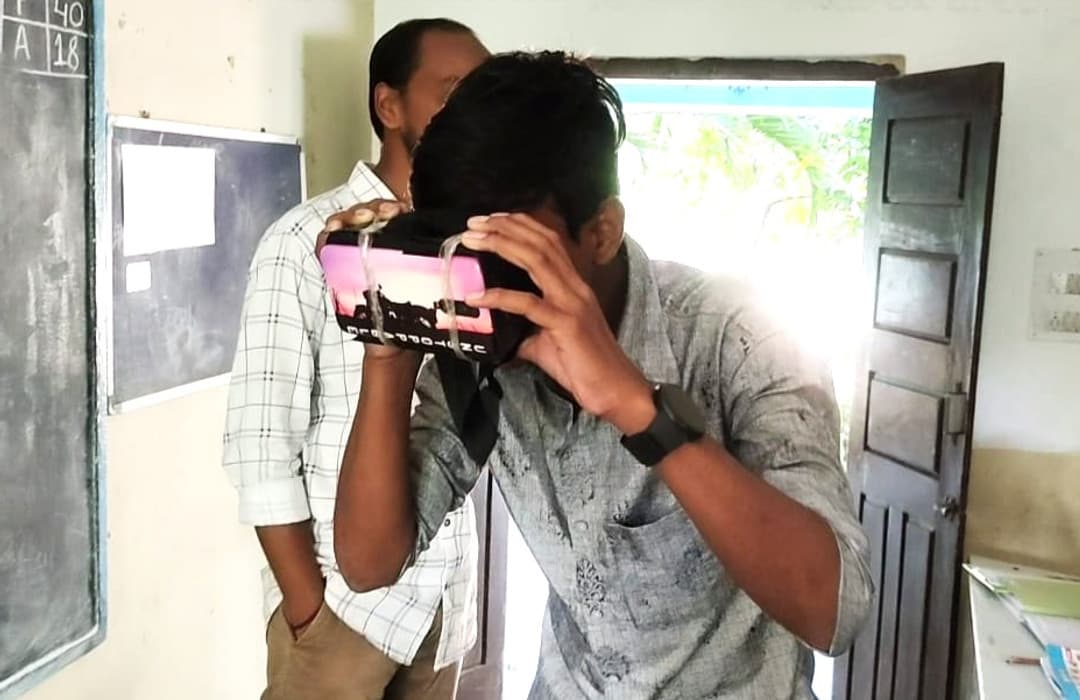
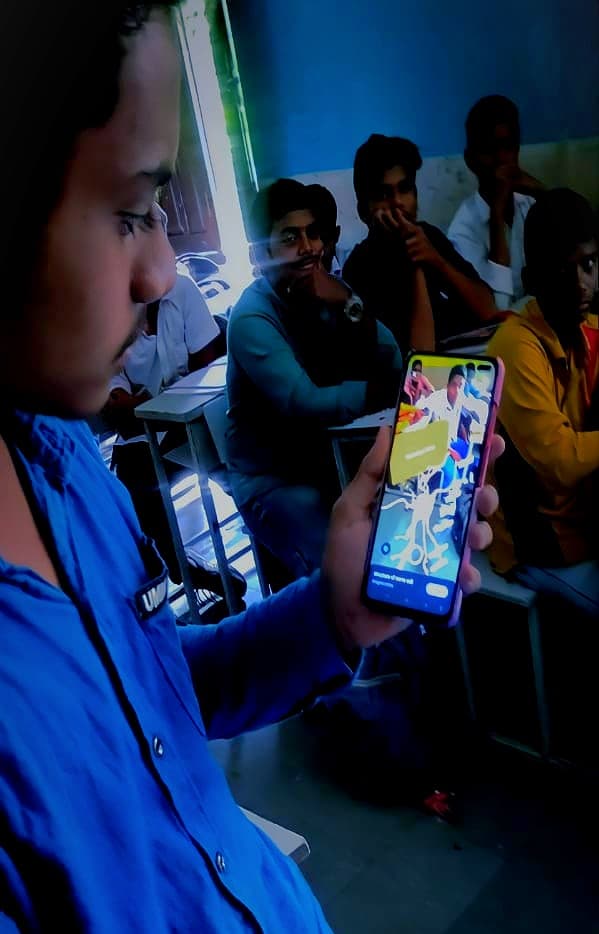
We started with government schools. Our first demos were at Govt Boys High School, Ibrahimpatnam and Zilla Parishad High School, Ragannaguda in Telangana. We walked everyone through the idea, scanned a few stickers together, and watched how students responded.

A month later, we went back to Govt Boys High School with our first set of biology stickers. The excitement was even bigger. A special thank you to Mr. Suresh, the Headmaster, for his support. That gave us the push to bring this to more schools across Telangana.
Get useful tech updates.
AI, AR, product notes, and build decisions from the ImaginAR team.